ちょっと試したら少し嵌ったのでメモがてら.
build
$ go get github.com/takumakanari/cronv/cronv
$ go build -o ./cronv github.com/takumakanari/cronv/cronv
Usage
$ ./cronv -h
Usage:
  Cronv v0.4.1 [OPTIONS]

Application Options:
  -o, --output=    path to .html file to output (default: ./crontab.html)
  -d, --duration=  duration to visualize in N{suffix} style. e.g.) 1d(day)/1h(hour)/1m(minute) (default: 6h)
      --from-date= start date in the format '2006/01/02' to visualize (default: 2019/05/25)
      --from-time= start time in the format '15:04' to visualize (default: 02:50)
  -t, --title=     title/label of output (default: Cron Tasks)
  -w, --width=     Table width of output (default: 100)

Help Options:
  -h, --help       Show this help message
実行
$ crontab -l | ./cronv
2019-06-01 ADD: 以下のtab が含まれているときにエラーとなる問題は修正されました😖
しかし,missing field(s) とか syntax error in year field: とかのエラーになってしまう.
$ printf "* * * * *\tcommand\n"
* * * * *       command
$ printf "* * * * *\tcommand\n" | ./cronv
panic: Failed to analyze cron '* * * * *        command': syntax error in year field: 'command'

goroutine 1 [running]:
panic
        ../../../src/libgo/go/runtime/panic.go:554
main.main
        /home/mk/go/src/github.com/takumakanari/cronv/cronv/main.go:33
タブ区切りをやめてスペース区切りにするとエラーが出ない
$ printf "* * * * * command\n" | ./cronv
[Cron Tasks] 1 tasks.
[Cron Tasks] './crontab.html' generated.
ということでとりあえずタブをスペースに変換することにした.
$ crontab -l | tr -s '\t' ' ' | ./cronv
[Cron Tasks] 8 tasks.
[Cron Tasks] './crontab.html' generated.
作成された crontab.html を w3m で……ほとんど表示されない.
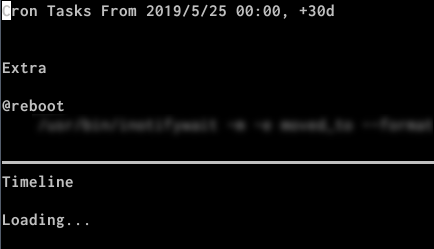
もう少しリッチな JavaScript の動くウェブブラウザで開くとOK.
これからの6時間分の様子が見える.
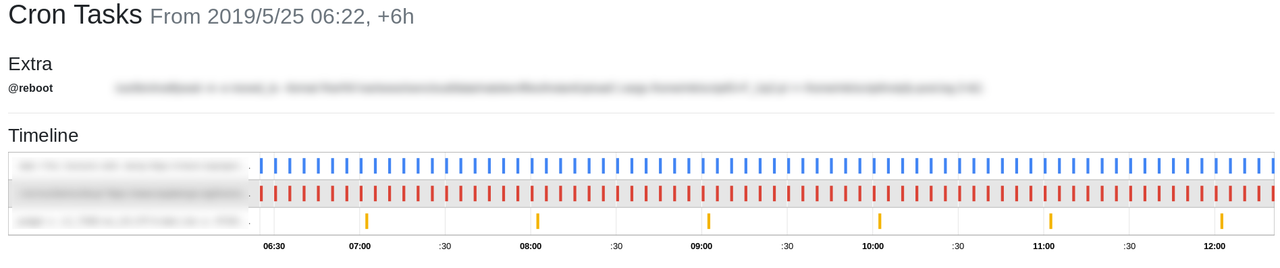
-d, --duration option で表示する時間間隔が指定できる.
開始日時は,--fron-date, --from-time option で指定できる.
以下の例では 2019-05-25 00:00:00 から1日分の表示になる.
$ crontab -l | tr -s '\t' ' ' | ./cronv -d 1d --from-date=2019/05/25 --from-time=00:00
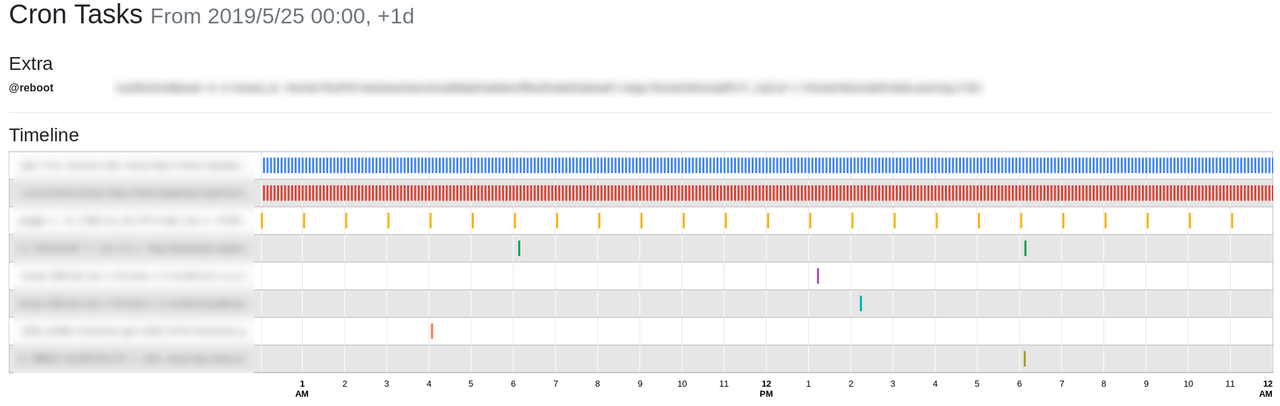
ちなみに1ヶ月も試したが,ウェブブラウザで表示するのにとても時間が掛かった.
環境
$ dpkg-query -W cron gccgo-go
cron    3.0pl1-128.1ubuntu1
gccgo-go        2:1.10~4ubuntu1
$ lsb_release -d
Description:    Ubuntu 18.04.2 LTS
$ uname -m
x86_64