先日USER-AGENTによりJavaScript無しでGoogle検索が出来る記事を書きました.
自分だけならこれでいいのですが,他の人にこれをやってもらうのは大変.Startpage 🏛️なんかを使ってもらえばとか思いましたが自分の環境では現在エラーが出て利用できません.
久々にGoogle検索のプロキシサーバ的なWoogle Searchを試してみました.
いくつか導入方法があります.Dockerやpipxなんかがお手軽そうです.
ここではsourceをcloneしてvenvに構築しました.
$ sudo apt install libcurl4-openssl-dev libssl-dev git python3-venv
$ git clone https://github.com/benbusby/whoogle-search.git
$ cd whoogle-search
$ python3 -m venv venv
$ source venv/bin/activate
$ pip install -r requirements.txt
$ ./run
これで http://localhost:5000/ 🏛️ で利用できます.
今のところうまく動いているようです.
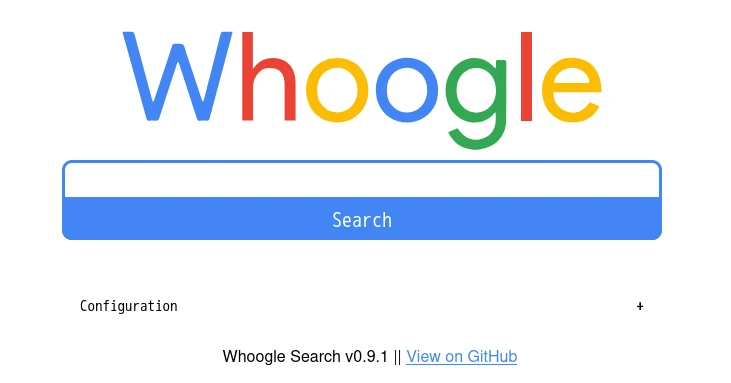
NoScriptでJavaScriptを無効にしたFirefoxでも,
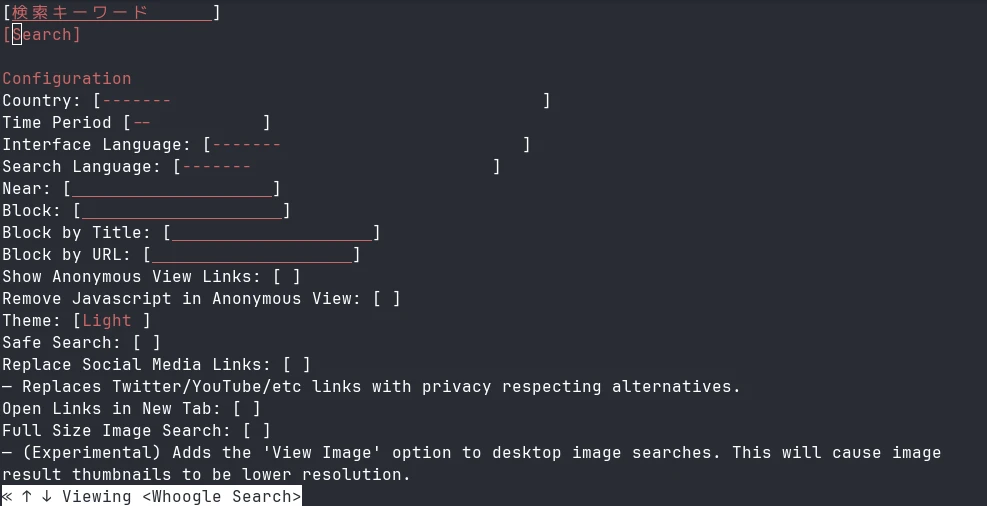
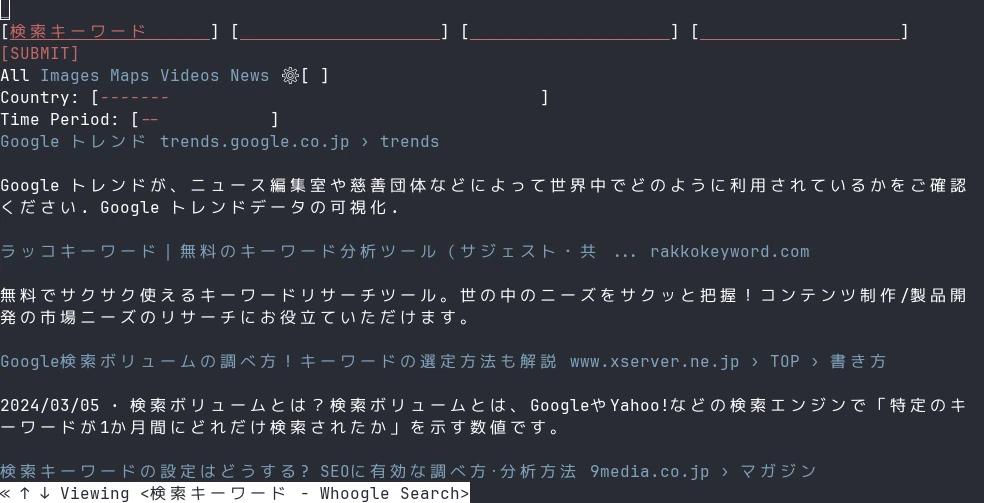
w3mでも動作しています.
メモリ利用量は起動時で66MB程,数重検索したあとで90MB程でした.
共有サーバで動かすなどしておいても良さそうです.
また,Googleにこだわらないのであれば200以上の検索エンジンに基づいたメタ検索エンジンのSearXNGなども面白いかもしれません.
環境
$ git log --pretty=oneline -1
99ca67c90ec82acc5f9b7e826c20a5bd0662c48a (HEAD -> main, origin/main, origin/HEAD) Fix duckduckgo search parameter (#1201)
$ dpkg-query -W libcurl4-openssl-dev libssl-dev git python3-venv
git     1:2.47.1-1
libcurl4-openssl-dev:amd64      8.11.1-1+b1
libssl-dev:amd64        3.4.0-2
python3-venv    3.13.1-2
$ lsb_release -dr
Description:    Debian GNU/Linux trixie/sid
Release:        n/a
$ arch
x86_64