install
c製で依存も少ないのでmake 一発な感じです.Debian sind amd64/Raspberry Pi bookworm armhf ともに問題なく動きました.
$ git clone https://github.com/adsr/mystify-term
$ cd mystify-term
$ install mystify-term ~/bin/
$ which mystify-term
/home/matoken/bin/mystify-term
$ mystify-term --help
Usage:
  mystify-term [options]

Options:
  -h, --help                  Show this help
  -v, --version               Show program version
  -q, --polys=<int>           Set number of polygons (default=2, max=16)
  -p, --points=<int>          Set number of points per polygon (default=4, max=16)
  -t, --trails=<int>          Set number of trails lines (default=20, max=64)
  -f, --fps=<int>             Set frames per second (default=60)
  -e, --max-velocity=<float>  Set max velocity per point (default=1.00, min=0.01, max=10.00)
  -s, --no-status             Hide status text
  -i, --trail-incr=<int>      Render every nth trail (default=4, max=64)
$ mystify-term --version
mystify-term v0.1.0
実行例
とりあえずオプション無しで起動します.懐かしい感じのスクリーンセーバーが起動します.
スクリーンショットはこんな感じです.
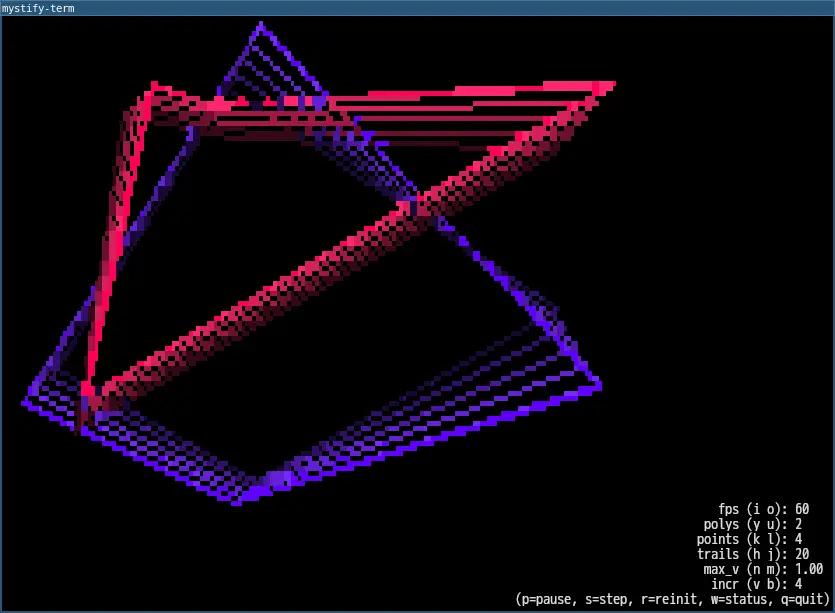
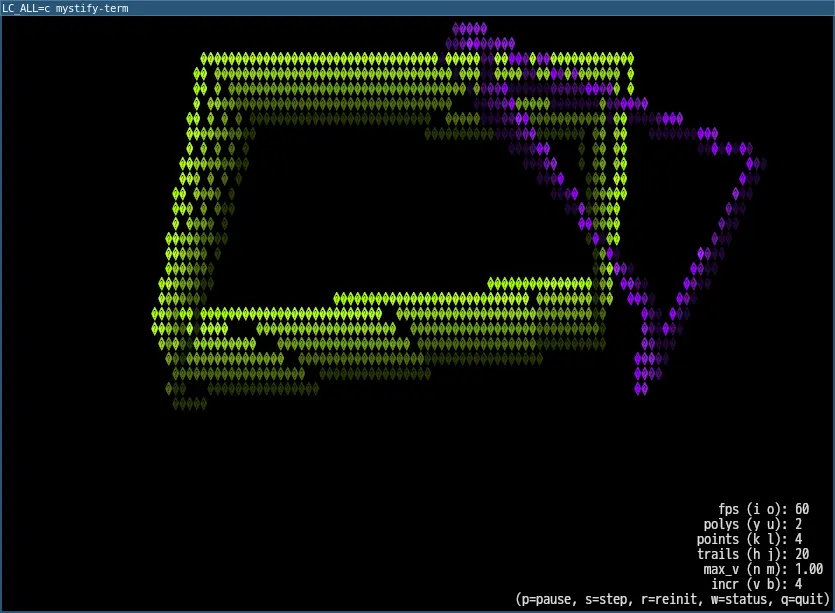
UTF-8 の四角を使っているので,UTF-8 が使えないとこんな感じになったりします.まあこれはこれで.
動いている様子は以下のasciinema を.

キーバインド
下の方にあるとおり以下のキーバインドで操作ができます.
p=pause, s=step, r=reinit, w=status, q=quit
- p
一時停止/再開
- s
停止/コマ送り(pで再開)
- r
再初期化
- w
ステータス表示/非表示
- q
終了
コマンドラインオプション
スタータスをいじれますが, -s, --no-status くらいであとは既定値でいいかなと言う感じ.
-h, --help Show this help
このヘルプを表示
-v, --version Show program version
バージョン表示
-q, --polys=<int> Set number of polygons (default=2, max=16)
ポリゴン数
-p, --points=<int> Set number of points per polygon (default=4, max=16)
ポイント数(例えば3で三角形,4で四角形)
-t, --trails=<int> Set number of trails lines (default=20, max=64)
トレイルラインの数
-f, --fps=<int> Set frames per second (default=60)
1秒あたりのフレーム数
-e, --max-velocity=<float> Set max velocity per point (default=1.00, min=0.01, max=10.00)
最大速度
-s, --no-status Hide status text
ステータスを隠す
-i, --trail-incr=<int> Render every nth trail (default=4, max=64)
n番目のトレイルごとに描画
tmux のスクリーンセーバーに設定
ターミナルマルチプレクサのtmux のスクリーンセーバーに設定してみます.
まずは設定ファイルに以下を記述します.
set -g lock-after-time 900 #スクリーンセーバーが起動するまでの秒数
set -g lock-command "mystify-term -s" #スクリーンセーバーコマンド
Note | tmux の設定ファイルは ~/.tmux.conf
$XDG_CONFIG_HOME/tmux/tmux.conf
~/.config/tmux/tmux.confbyobu から起動している場合は ~/.byobu/.tmux.conf |
次回起動時から反映されますが,現在のtmux セッションに反映したい場合は以下のように tmux source 設定ファイル として反映できます.
$ tmux source ~/.byobu/.tmux.conf