以下の記事で新しいClamAVのデスクトップUIツールのClamUIを知ったので少し試してみました.
ClamUI推奨のflatpakをはじめAppImage, debなどが用意されています.他にもuvでも入るようです.
今回はAppImageを利用.
$ wget -c https://github.com/linx-systems/clamui/releases/download/v0.4.0/ClamUI-0.4.0-x86_64.AppImage
$ chmod u+x ClamUI-0.4.0-x86_64.AppImage
Note | hashや署名などは見当たらず.念の為VirusTotalでcheck. $ vt analysis YjkyYmIxYTg0YTZjYjNmYTFhMWQzNzNkYjljM2ZkNjc6MTc4ODE5MDI2OQ== | grep stats: -A10
stats:
confirmed-timeout: 0
failure: 1
harmless: 0
malicious: 0
suspicious: 0
timeout: 0
type-unsupported: 12
undetected: 62
status: "completed" |
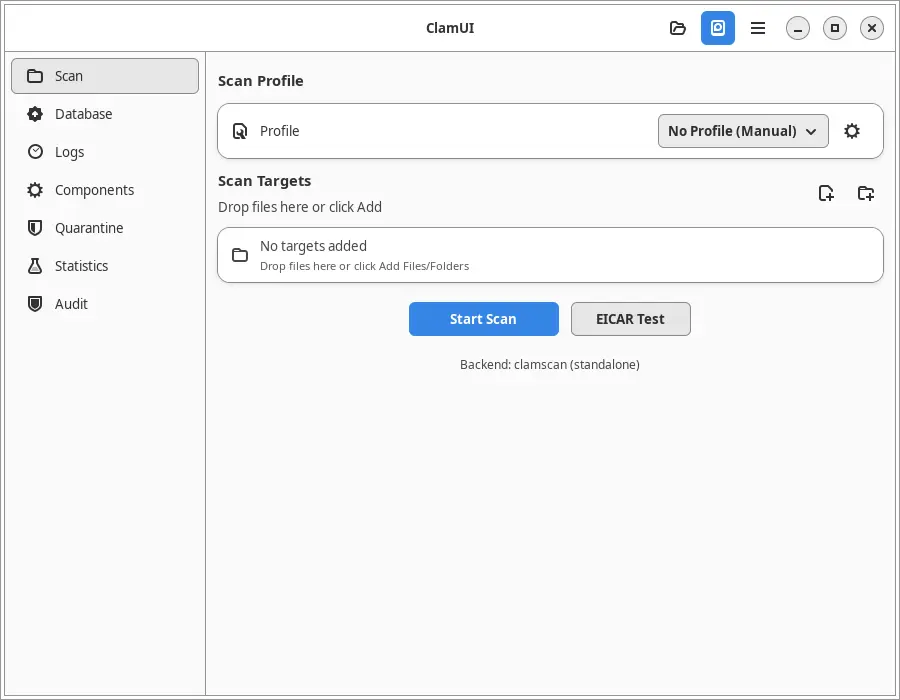
起動するとこんな画面.
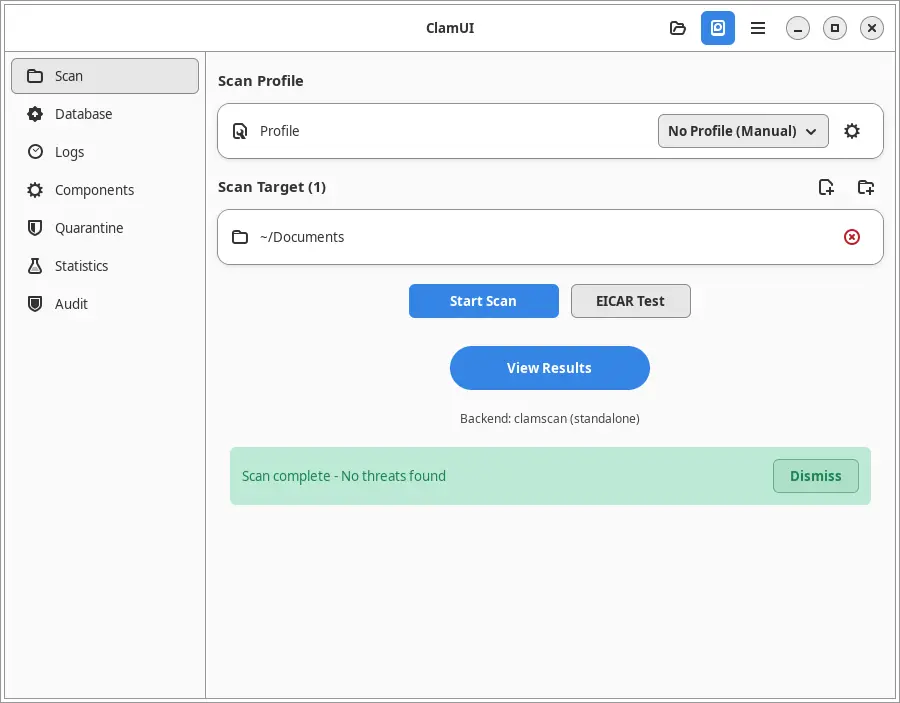
こんな感じでウィルススキャンできます.
EICAR Testを叩くとEICAR Test fileを作ってテストするようです.
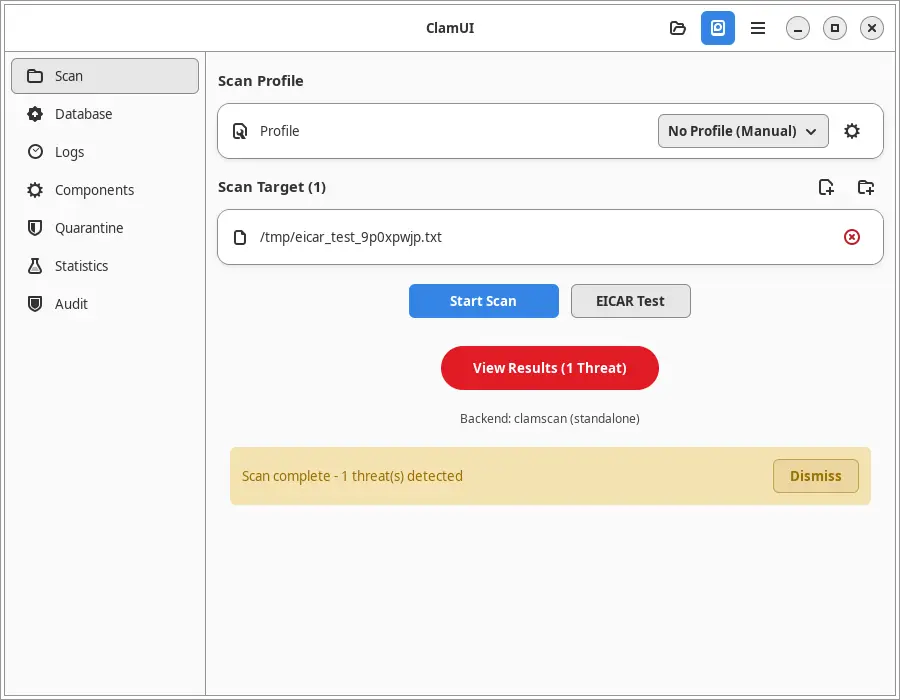
これだとあまり意味がないような気がするので自分でTest fileを用意したほうがいいような気がします.
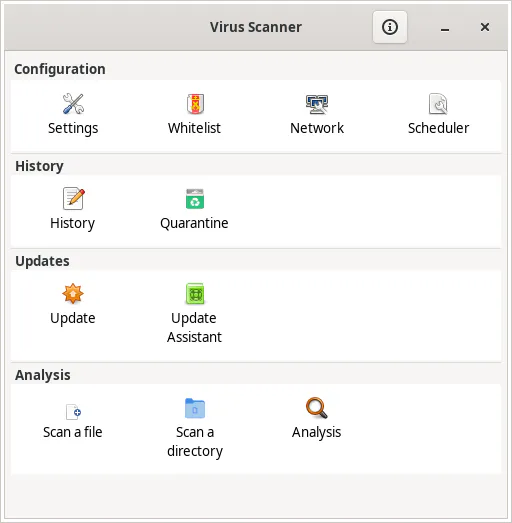
ちなみにClamAVのよく使われているフロントエンドとしてclamtkというものがあります.こちらだとDebian packageで導入できて楽ではあります.
Reposts