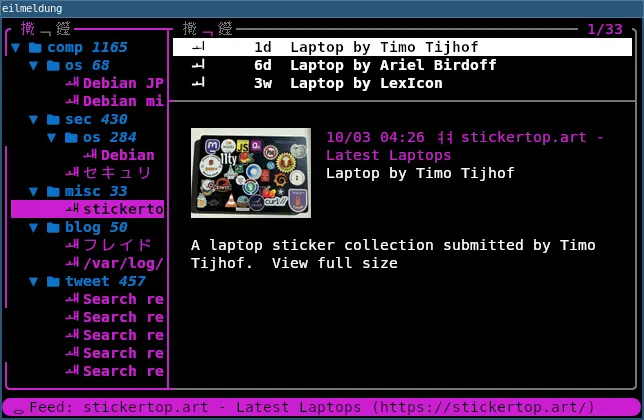
eilmeldungという画像対応TUI RSSリーダーをサブで使っています.
1.9.0がリリースされたので更新したら動かなくなりました.
$ eilmeldung
Error: expecting article search query: invalid token: % for key `input_config.mappings.O[1]`

Location:
    src/config/config_file_manager.rs:97:27
ISSUEを探すと同じようなものがありました.
設定に互換性のない変更があったようでそのせいで動かなくなっているよう.
移行ガイドを書いたよということでこちらを参考に.
今回の1.9.0での変更でmouse_supportがあるのでこれを設定から消してみましたが駄目.他のところでコケていそうです.
ということで,以降ガイドの以下のメッセージに従い,一旦設定を空にして起動するのを確認.その後自分の書いた設定だけを持ってきて解決しました.
IMPORTANT: Don't copy example/default-config.toml. Start with an empty config.toml and just add the settings you want to be different from the default-config.toml! default-config.toml is for reference purposes only and is prone to break if used directly.
現在の設定はこれだけです.
~/.config/eilmeldung/config.toml
startup_commands = ["expandcategories all", "sync"]
Thanks for clarifying and using eilmeldung! :-)
Christopher (dev of eilmeldung)