tails-installer を使って Tails の USB メモリを「Upgrade」したのですが,正常終了したのに起動しなくなりました.「Reinstall (delete all data)」を試しても駄目でした.
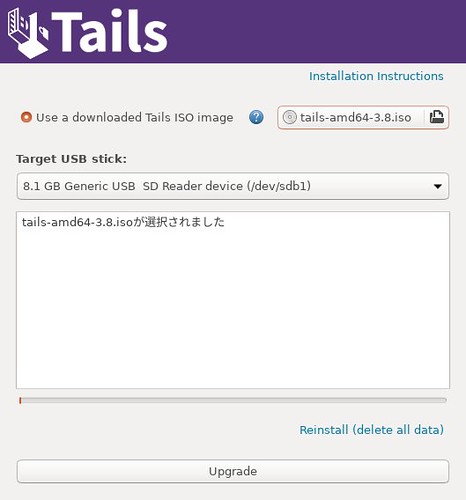
wipefs を行いファイルシステムの情報を削除した後再度 tails-installer を試すとうまく行きました.
$ sudo wipefs -a /dev/sdz1
/dev/sdz1: 2 bytes were erased at offset 0x000001fe (dos): 55 aa
/dev/sdz1: calling ioctl to re-read partition table: 成功です
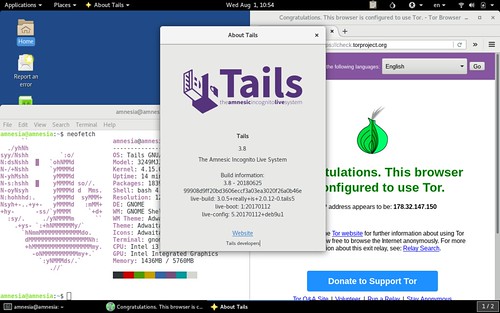
原因は不明ですがとりあえず復旧できました.
- 環境
$ dpkg-query -W tails-installer
tails-installer 5.0.8+dfsg-0ubuntu1~bionic
$ lsb_release -d
Description:    Ubuntu 18.04.1 LTS
$ uname -m
x86_64